Your design workspace
Explore more.
In less time.
Bring your architectural ideas into view. Explore materials, light and atmosphere with RenderBoard.
Open Studio
Connecting to your workspace…
From intent to image01 / 03
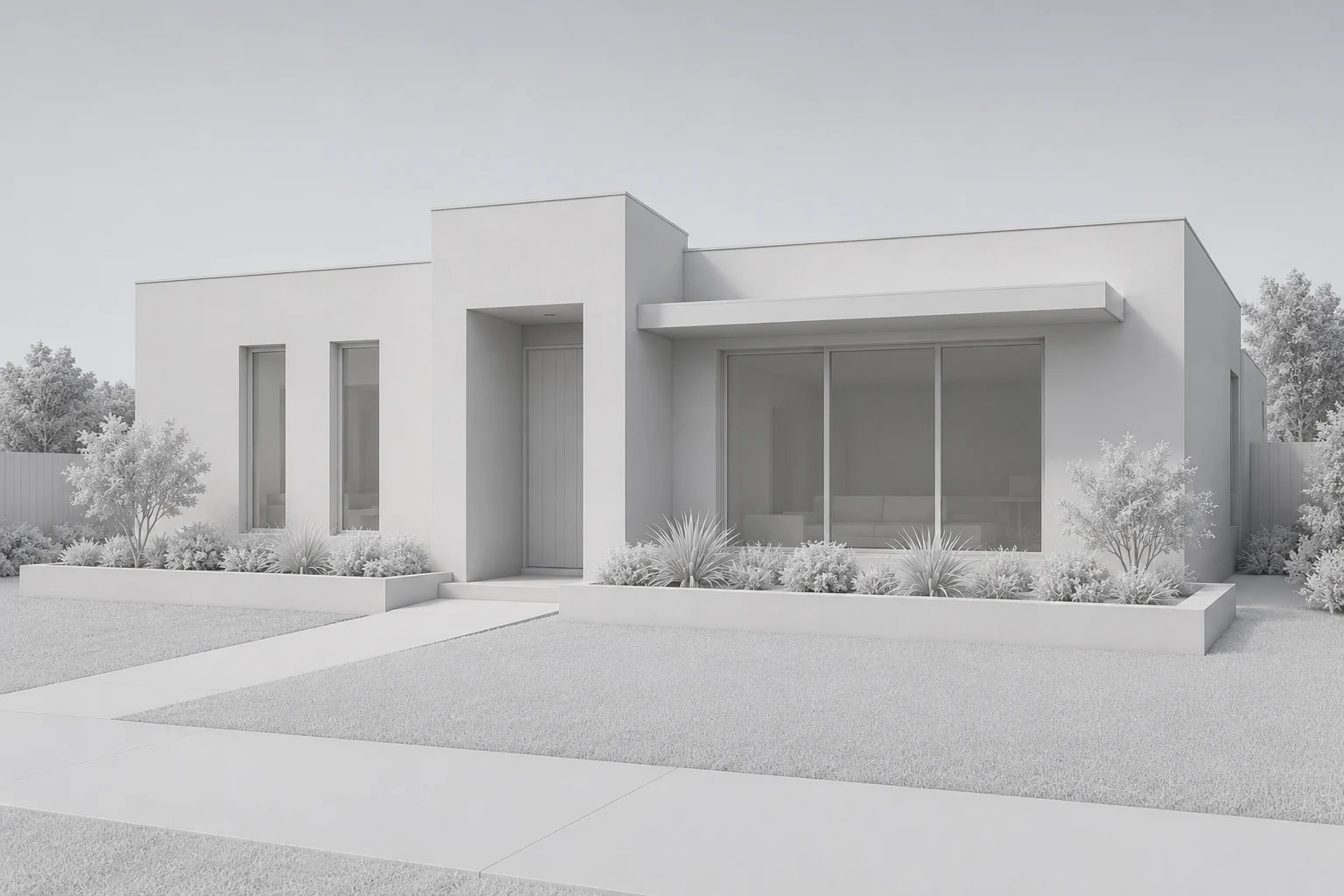
Start with a white model
Import your model view or elevation. Keep the geometry as the starting point.
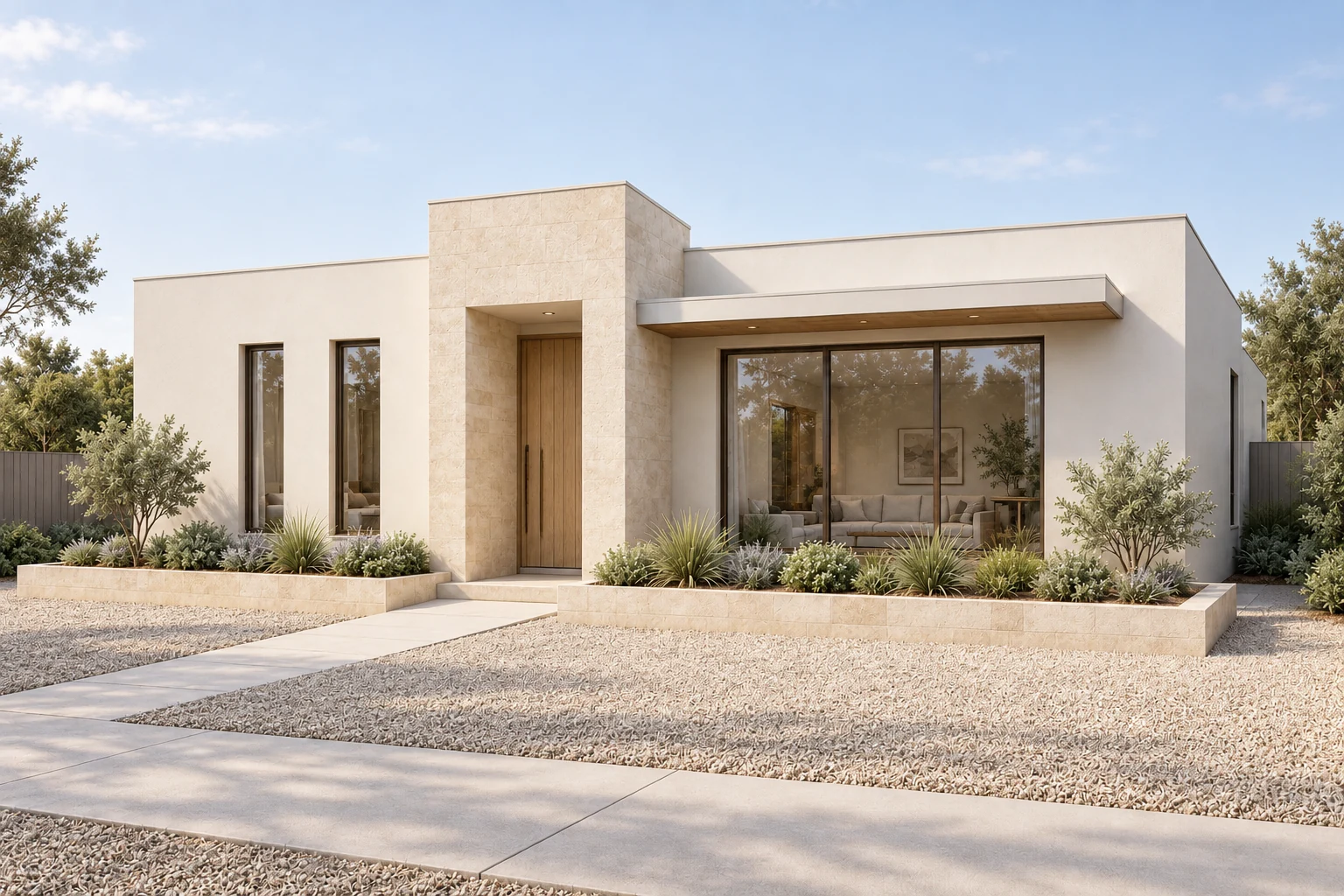
Explore materials and light
Add a brief and references to explore finishes, landscape and atmosphere.
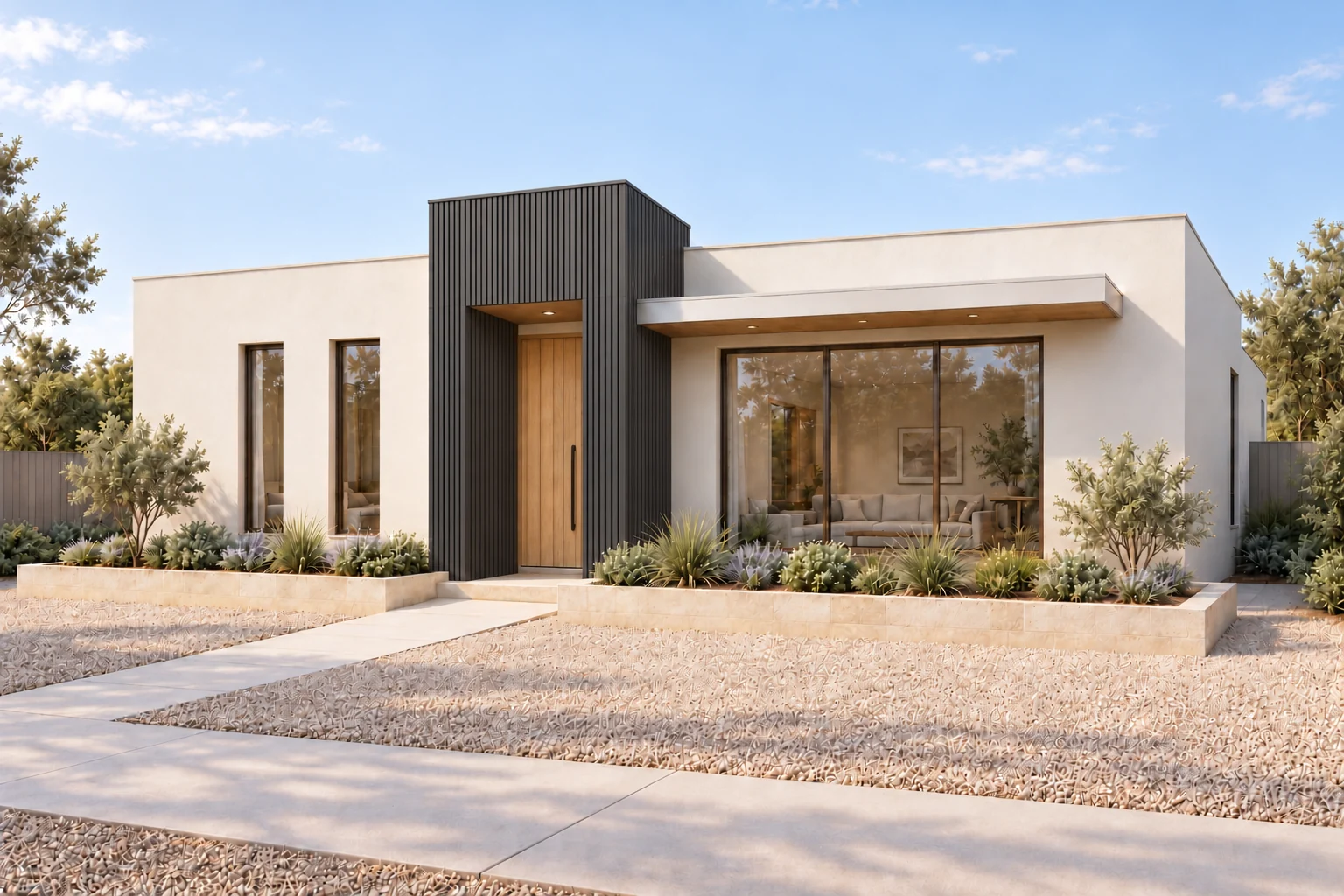 Entry finish · limestone to graphite
Refine one detail
Use a comment to guide a change, or a mask to define its area. Compare and save a new version.
AI-created example · same view, three design stages
01
Start with your view
Bring a white-model or architectural image into the canvas.
02
Explore materials and light
Describe a direction and explore a rendered result.
03
Refine and compare
Adjust a detail, compare versions and keep your decisions.